Nintex K2 Solutions
Plan, Build, Staff, and Scale Process Automation with CloudQ
Nintex K2 enables organizations to simplify and automate complex business processes through powerful workflows, digital forms, SmartObject, and seamless integrations. CloudQ helps businesses improve efficiency, reduce manual effort, and accelerate digital transformation with scalable, low-code process automation.
Three Ways CloudQ Helps
PLAN K2
Assess process readiness, map complex workflows, identify high-impact automation opportunities, and build an execution roadmap.
BUILD K2
Implement Nintex K2, design responsive digital forms, configure SmartObject integration, and drive user adoption.
STAFF K2
Supply experienced K2 developers, workflow architects, and complete delivery teams for project execution.
What We Help You Build
Nintex K2 Platform Solutions
Simplified, automated business processes built with low-code tools, custom digital forms, SmartObject, and seamless system integrations.

Nintex K2 Five Enterprise Applications
End-to-end applications that range from lightweight departmental workflows to mission-critical automation solutions, complete with creation, reporting, and administration features.
SmartObject & Data Integration
Real-time data connections between line-of-business applications, databases, and enterprise platforms without writing complex code.
Key Benefits
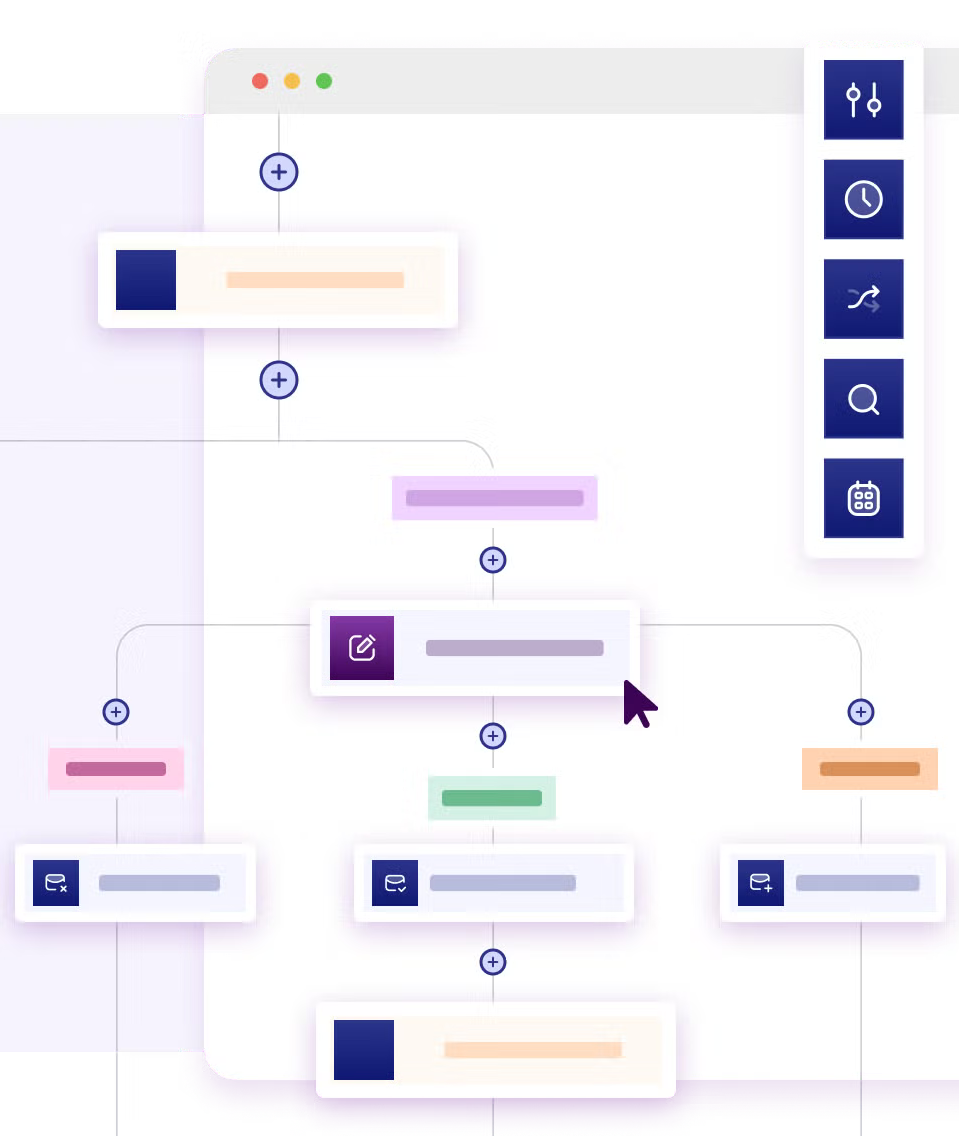
Accelerated Delivery
Speed up application development with visual capabilities to deploy solutions faster and respond quickly to business needs.
Cost-Effective Automation
Reduce operational and development costs by streamlining processes and minimizing manual effort.
Enhanced Collaboration
Bridge the gap between IT and business teams using visual tools that keep solutions aligned with strategic goals.
Enterprise Scalability
Expand workflows, integrate new systems, and adapt applications as organizational needs grow.
How We Bring K2 to Your Business
Assess
Review existing workflows, legacy systems, data architecture, and automation goals.
Prioritize
Identify high-value process use cases, feasibility, and ROI.
Design
Architect low-code workflows, digital forms, integrations, and governance controls.
Build & Staff
Deploy K2 solutions with dedicated support and specialized technical talent.

Frequently Asked Questions
1. How do we know whether to hire a full delivery team or simply staff individual K2 roles?
If you are starting from scratch or overhauling an existing architecture, an end-to-end delivery team handles assessment, design, and deployment without pulling internal resources away from core work. If your organization already has established K2 infrastructure and project management, staffing individual workflow architects or developers is the faster, more cost-efficient way to plug specific bandwidth or skills gaps.
2. Can Nintex K2 automate workflows that involve systems hosted both in the cloud and on-premises?
Yes. Nintex K2 can automate workflows that interact with both cloud-based and on-premises systems. Through SmartObjects, service types, APIs, and supported connectivity options, K2 can connect to enterprise data sources and applications across different environments, allowing workflows to retrieve data, update records, and trigger business actions without requiring all systems to be hosted in the same environment.
3. What happens after our K2 workflows and forms are deployed?
CloudQ provides flexible post-launch transition models, ranging from comprehensive user training and documentation handover for internal teams to continuous administrative support, monitoring, and workflow optimization through dedicated K2 specialists.
4. How quickly can a typical Nintex K2 automation project show measurable ROI?
Departmental workflows with frequent, manual approval steps (like employee onboarding, invoice routing, or purchase requests) typically deploy within a few weeks and show immediate time-savings and error reduction. Larger, multi-department enterprise workflows generally realize full operational ROI within 6 to12 months post-launch.
5. How do we get started if our current business processes are undocumented or disorganized?
You don't need fully mapped workflows to begin. The initial Assess phase focuses on reviewing your existing day-to-day operations, identifying bottlenecks, and defining clear automation logic and feasibility before any building or staffing starts.