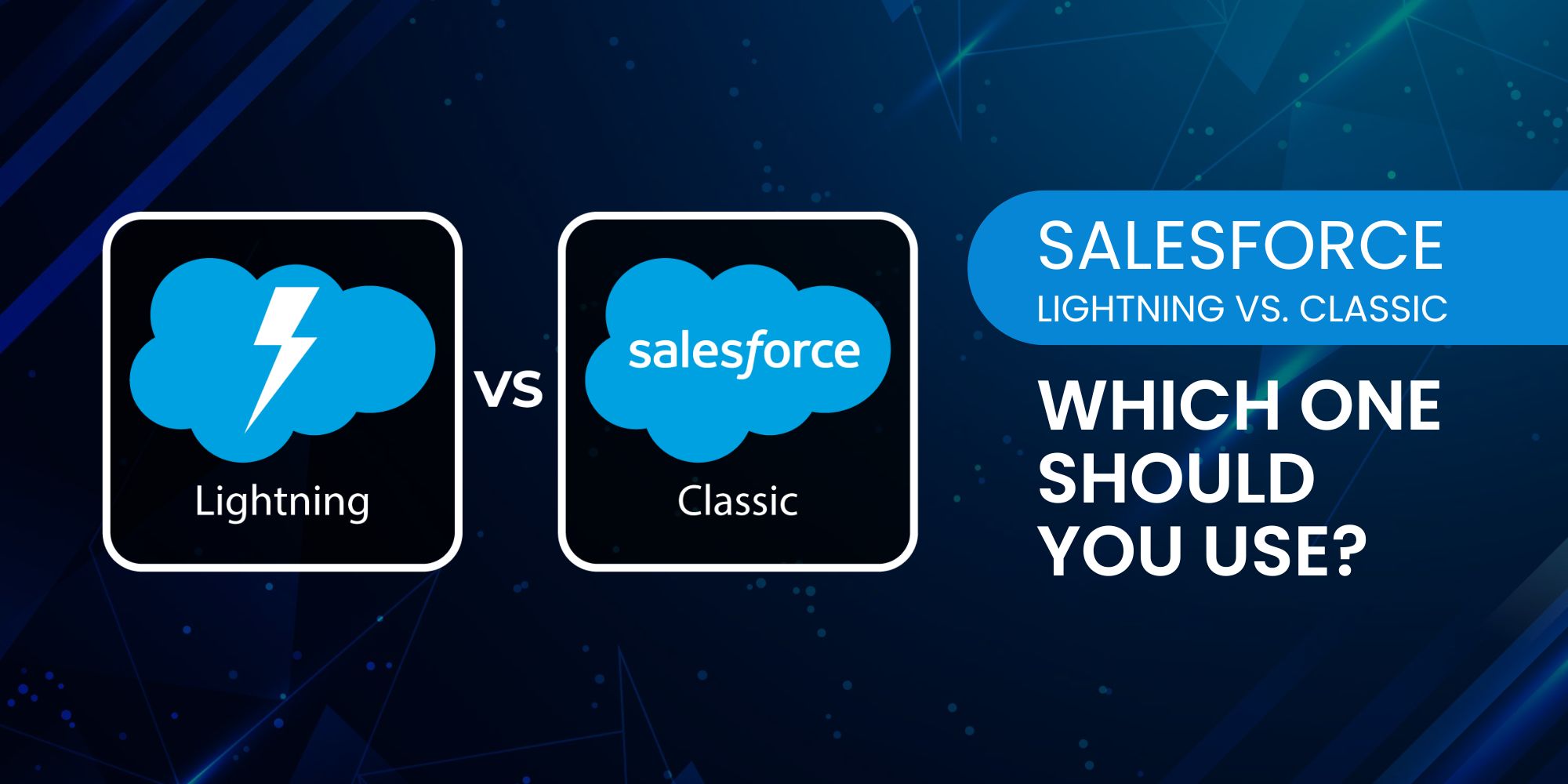
Welcome back, everyone! Grab your favourite drink and get cozy. Let us dive into an interesting topic this week. If you’re using Salesforce or planning to adopt it, one of the most significant decisions you’ll face is choosing between Salesforce Classic and Salesforce Lightning. While Classic has been around for years and offers a familiar interface, Lightning promises a modern experience, powerful features, and better performance. But is it worth making the switch, or should you stick with what you know?
This blog’ll break down the key differences, advantages, and ideal use cases for both. Whether you’re managing sales teams, building custom apps, or just trying to keep your CRM simple, we’ve got you covered.
Short on time? No worries—there’s a quick summary at the end!
What is Salesforce Classic?
Salesforce Classic is the original user interface that long-time Salesforce users are familiar with. It features a more traditional layout, with vertical tabs across the top and limited customization options for dashboards and workflows. Many organizations have relied on it for years, and it still works well for basic CRM functions like lead and contact management, opportunity tracking, and task assignment.
Classic is stable, reliable, and supported. But in terms of innovation? It’s no longer the star of the show.
What is Salesforce Lightning?
Salesforce Lightning is the next-gen experience designed to be faster, more modern, and more customizable. It features a sleek, component-based interface that allows users to drag and drop elements, create personalized pages, and access AI-driven insights with ease.
Lightning isn’t just about a prettier interface—it’s about productivity. From customizable dashboards to more powerful automation tools, Lightning is built for teams that want to do more in less time.
Key Differences: Lightning vs. Classic
1. User Interface
Lightning offers a clean, modern UI that improves navigation and makes information easier to digest. Classic has a more dated, text-heavy look that some users still prefer for its simplicity.
2. Customization
Lightning gives you the Lightning App Builder, which lets admins and developers create custom pages using components. Classic, by contrast, offers limited page customization options.
3. Dashboards and Reporting
Lightning dashboards allow for up to 4 columns and include enhanced visuals. You can also build dynamic reports more easily. Classic dashboards are more static, with only 3 columns and fewer visualization tools.
4. Automation and AI
Lightning includes access to Salesforce Einstein, which offers AI-powered insights, predictive scoring, and smart recommendations. Classic users don’t get access to Einstein without migrating.
5. Mobile Experience
Lightning is optimized for mobile. Whether you’re using Salesforce on a tablet or phone, the responsive design and mobile-first features make it easier to stay productive on the go. Classic lacks the same flexibility.
6. App Development
With the Lightning Component Framework, developers can create dynamic, reusable components for web apps within Salesforce. This allows for faster deployment and greater UI consistency—something Classic doesn’t offer.
Real-World Use Case
A fast-growing SaaS company recently migrated from Classic to Lightning. Their sales team now benefits from real-time dashboards, while their marketing team uses Lightning components to manage and automate campaigns. Thanks to Lightning’s customizability, their operations team also built tailored workflows that cut admin work in half.
Meanwhile, a traditional insurance firm continues using Classic because its operations are deeply integrated into older Salesforce customizations. For them, Classic still gets the job done—and migrating would require a full audit of existing processes.
So, Which One Should You Use?
Choose Salesforce Lightning if:
- You want a modern, intuitive UI
- You need advanced reporting, dashboards, or automation.
- You’re building custom apps or workflows.
- You plan to scale quickly or adopt AI tools like Einstein.n
Stick with Salesforce Classic if:
- Your business processes are deeply rooted in Classic customizations
- You’re not ready for a platform migration
- Your team prefers a simpler interface and doesn’t need new features.
TL;DR: Salesforce Classic is reliable and familiar, but it’s no longer the future of Salesforce. Lightning offers a modern experience, more customization, and access to new features like AI and advanced reporting. If you’re starting fresh or looking to grow fast, go with Lightning. But if your business relies on Classic and it still meets your needs, there’s no rush to switch—just know that Lightning is where all future innovation is headed.
Hope you enjoyed this post! While you’re here, why not check out a few of our other pieces? We have several blog posts on HR, Cloud Technologies, Salesforce CRM, AI, Salesforce CPQ, Zoho, Bitcoin, Cybersecurity, AWS, and many other topics we just know you’ll love. Browse the topics here!
Contributor